A Guide to Conventional Git Commits: Best Practices for Clear and Structured Version Control
Writing clear and consistent Git commit messages is essential for maintaining a well-structured codebase. Conventional Git commits follow a standardized format that improves readability, enhances collaboration, and makes it easier to track changes. This guide will explain the conventional commit...


Introduction
Writing clear and consistent Git commit messages is essential for maintaining a well-structured codebase. Conventional Git commits follow a standardized format that improves readability, enhances collaboration, and makes it easier to track changes. This guide will explain the conventional commit format, its benefits, and how to use it effectively in your projects.
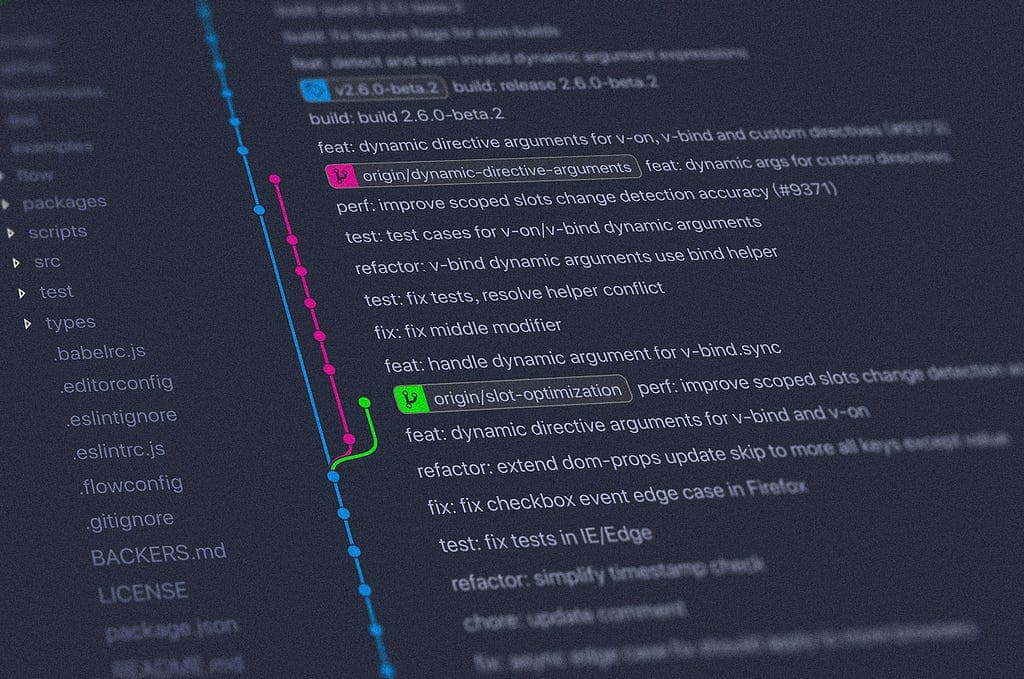
What Are Conventional Git Commits?
Conventional commits use a structured message format to describe changes in a repository. The standard syntax is:
1<type>(<scope>): <description>Example:
1feat(nav): add obstacle avoidance for autonomous mode
2fix(sensor): correct lidar data filtering bug
This format helps teams quickly understand the purpose of each commit and ensures better organization in version control.
Commit Types and Their Meaning
Each commit starts with a type, indicating the nature of the change:
- feat — A new feature (feat(ui): add dark mode toggle)
- fix — A bug fix (fix(nav): resolve path planning issue)
- docs — Documentation updates (docs(readme): update installation guide)
- style — Code style changes (formatting, no logic change)
- refactor — Code restructuring without behavior changes
- test — Adding or modifying tests
- chore — Maintenance tasks (e.g., build process, dependencies)
Why Use Conventional Commits?
✅ Better Collaboration — Team members instantly understand changes. ✅ Automated Versioning — Helps generate semantic versions (e.g., v1.2.0). ✅ Improved Git History – Makes reviewing changes easier. ✅ Easier Release Notes – Automates changelog generation.
Best Practices for Writing Commit Messages
- Keep messages concise but descriptive.
- Use present tense (e.g., “fix bug” instead of “fixed bug”).
- Include a detailed explanation if needed (after a blank line).
- Avoid generic messages like update or fix issue.
Example:
1feat(path-planning): implement A* algorithm for efficient routing
2
3The new implementation optimizes robot pathfinding, reducing computation time by 30%.
Conclusion
Following conventional commit standards enhances code clarity, simplifies collaboration, and improves version control. By adopting this approach, teams can maintain structured, readable, and scalable Git histories, making development workflows smoother and more efficient.
Originally published on Medium: https://medium.com/@danendraclever24/a-guide-to-conventional-git-commits-best-practices-for-clear-and-structured-version-control-d3a9e77342bb